


Collaborati for Law Firms: Rate Requests and Invoice Submission
Top takeaways
- Rate approval workflows determine which timekeepers can bill at what hourly rates before work begins, and those approvals must match the rates submitted in every invoice.
- Invoice submission requires law firms to deliver billing data in the format the carrier or e-billing portal specifies — usually LEDES 1998B or LEDES XML — and to confirm that the platform has adopted any schema updates before using them.
- A mismatch between the approved rate and the submitted rate triggers an automatic rejection in most e-billing portals, forcing resubmission and delaying payment.
- Multi-currency matters introduce a second layer of complexity: firms must track whether rate approval was granted in the timekeeper's home currency or the invoice currency, and submit rates accordingly.
Introduction
Rate requests and invoice submission determine whether a law firm's work is paid as billed or reduced on review. In insurance defense billing, a carrier approves rates for each timekeeper before the firm bills a single hour, and the firm submits invoices in a machine-readable format that the carrier's e-billing portal can validate, route to a bill reviewer, and process for payment. When the rate in the invoice does not match the rate on file, the portal rejects the submission. When the invoice file violates the carrier's outside counsel guidelines or fails a format check, the rejection happens before a human reviewer ever sees the line items.
Collaborati streamlines rate requests and invoice submission, sitting at the center of every insurance defense billing relationship. The mechanics are straightforward in principle: get approval, record time, format the invoice, submit the file. In practice, firms encounter rejection for reasons that range from a stale rate-approval record to a schema version the portal has not yet deployed. LEDES XML version 2.2.1, ratified in March 2023, introduced a new schema for submitting rates in the timekeeper's home currency when the invoice is presented in a different currency. Law firms must confirm with their client vendor that this update has been released on the client's platform before using the new rate schema. Without that confirmation, a submission using the updated schema will fail validation even when the rates themselves are correct.
Understanding LEDES 1998B file format requirements is a prerequisite for clean invoice submission, but rate approval is the gate that opens before the file is ever generated. This article walks through the approval process, the submission requirements that follow, and the common points of failure that delay payment and require resubmission.
What Causes Rate Requests and Invoice Submission to Fail?
Rate requests and invoice submission sit at the intersection of client relationships, billing compliance and cash flow. When either breaks down, the firm waits weeks for payment, adjusters flag the invoice for manual review, and timekeepers scramble to reconstruct narratives that should have been contemporaneous. The 2026 CLM Litigation Management Study found that 52% of claims organizations do not track the timing of payment to law firms — which means more than half have no systematic view of whether invoices sit in queues for days or months.
Validation Failures and Rejection Loops
One of the most consistent complaints by law firms is rejection of invoices due to validation of the calculations on their submissions because of currency conversion and rounding. The LEDES Oversight Committee's XML E-Billing 2.1 White Paper identifies this as a structural pain point: e-billing portals enforce field-level arithmetic checks, and a single penny mismatch between the line-item sum and the invoice total triggers an automatic rejection. The firm receives a rejection notice, corrects the file, resubmits, and waits another cycle — often without knowing which line caused the discrepancy.
When the carrier does not track payment timing and the firm does not track rejection frequency, neither party has the data to identify whether the bottleneck is the file format, the portal's validation rules, or the approval workflow itself.
Rate-Approval Uncertainty
Many outside counsel guidelines require pre-approval for any rate increase, but the guidelines often do not specify the form of the request, the lead time required, or the consequence of submitting an invoice at an unapproved rate. A firm that assumes silence equals consent may discover months later that every invoice since the rate change has been held pending adjuster approval — or that the system automatically reduced every line item to the prior approved rate without notification. The lack of a documented approval creates an evidence gap: the firm cannot prove the client agreed, and the client cannot prove it did not.
Narrative and Task-Code Mismatches
E-billing portals validate UTBMS task and activity codes against the narrative, and a mismatch flags the line for review. A narrative reading "research motion in limine, draft outline, review with co-counsel" paired with activity code A101 (plan and prepare for issue and fact development) will trigger a question: was this legal research (L200-series task codes) or case assessment (A100-series)? The reviewer cannot tell from the block-billed narrative, so the line goes to the adjuster for manual coding — adding days to the approval cycle. For more on how reviewers interpret activity codes, see UTBMS Activity Codes A101-A111 for Legal Billing.
The cheapest invoice to process is the one that passes portal validation on the first submission and gives the reviewer no reason to pause.
When rate requests lack documentation, invoices fail validation checks, and narratives do not match the codes, the result is the same: the invoice does not move, the firm does not get paid, and both parties spend time on correspondence that could have been avoided with a tighter submission process.
How Do You Fix Rate Requests and Invoice Submission Problems?
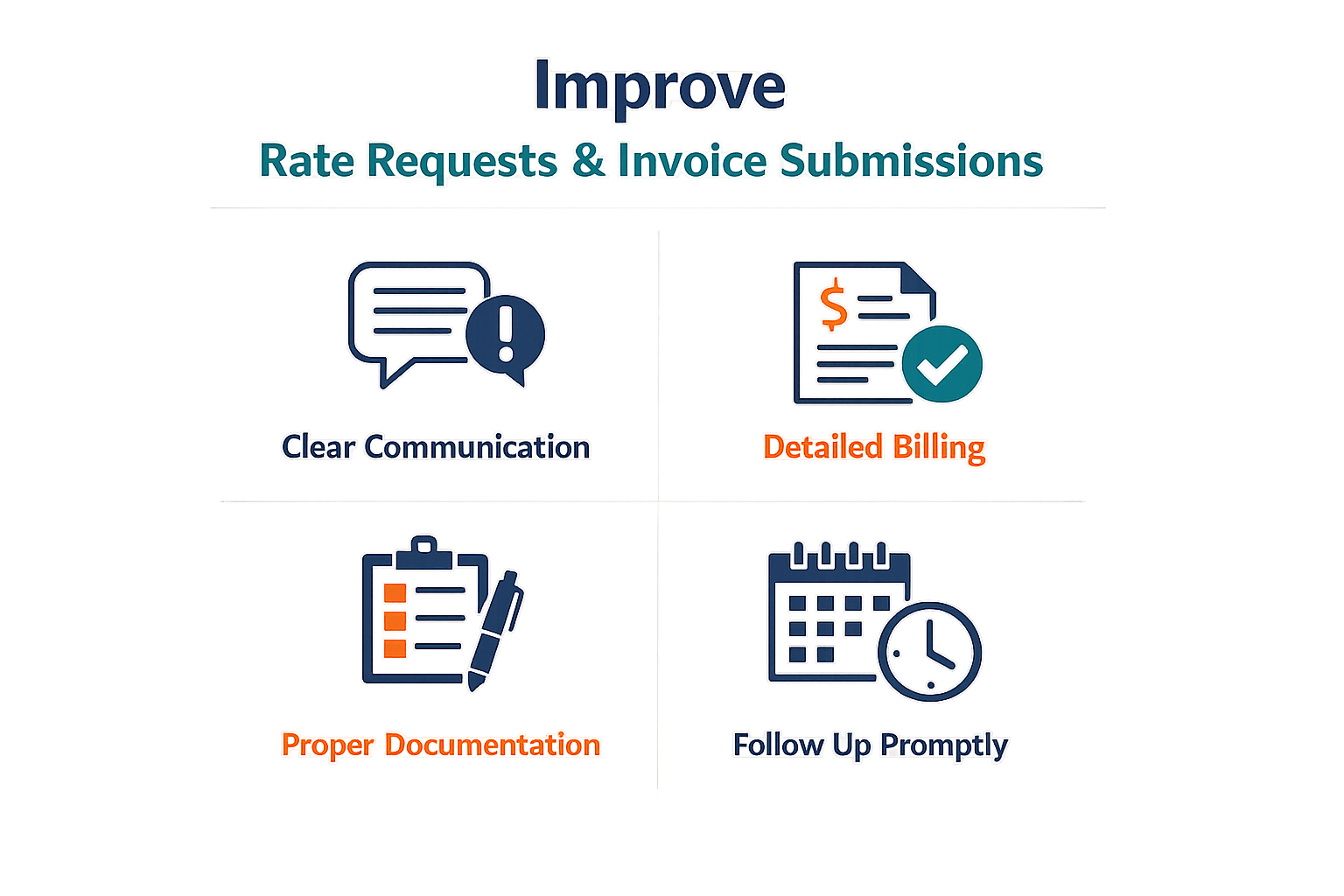
Rate approval and invoice submission are sequential gates, not parallel processes. A firm that treats them as independent workflows will discover the dependency when the e-billing portal rejects the invoice.
Step 1: Complete Client On-Boarding Before Requesting Rates
Step 1
Complete on-boarding before rate submission
LEDES error code suffix 9 states that the law firm has not completed the on-boarding steps necessary to submit invoices. On-boarding is not a formality — it establishes the firm's vendor record, matter assignments, and the submission pathway for rate requests. If the client's system shows on-boarding incomplete, rate requests will not route correctly and invoices will not validate.
Most e-billing platforms require the firm to accept terms, designate a billing contact, and confirm W-9 or equivalent tax documentation before any rate or invoice submission is possible. The portal will not tell you which step is missing until you attempt submission.
Step 2: Submit Rates in the Timekeeper's Home Currency
LEDES XML 2.1.4 introduced a schema allowing firms to submit rates in the timekeepers' home currency when an invoice is presented in a different currency. Under the prior schema, firms needed rate approval for each permutation of the converted value as currency conversion rates changed. The 2.1.4 schema eliminates that redundancy.
When the client's platform supports the updated schema, submit one approved rate per timekeeper in their home currency. The platform applies the conversion rate at invoice time, and the firm does not re-request approval when exchange rates fluctuate.
Step 3: Confirm Status Report Requirements Before Invoice Submission
LEDES error code suffix 28 states that either an initial or updated status report is required before the law firm can submit an invoice on the matter. Suffix 29 states that a status report or updated status report is required to pay the invoice. These are client procedures, not LEDES file validation rules. The portal will accept the file but will not release it for review or payment until the status report condition is satisfied.
Check the matter's status report schedule in the e-billing portal before generating the invoice file. If the client requires monthly status reports and the last report was filed forty-five days ago, the invoice will sit in a pending queue until the updated report is submitted. For guidance on structuring compliant invoice files, see LEDES 1998B File Format - All 24 Fields Explained.
Step 4: Validate the Invoice File Against Client-Specific Error Codes
Standardized LEDES error codes describe the condition, but each client's e-billing platform applies its own procedural rules. A suffix 28 rejection at one carrier may require a narrative status report; at another, it may require only a checkbox confirmation that no material change has occurred. Read the error message the portal returns, not just the suffix number.
When the portal returns a client procedure error, the resolution steps are in the client's outside counsel guidelines or the portal's help documentation, not in the LEDES specification. If the guidelines do not address the specific error suffix, contact the client's billing coordinator before resubmitting the file.
Tips and Tricks
Most invoice rejections trace back to three preventable errors: incomplete on-boarding, currency-conversion rounding, and missing status reports. The LEDES Oversight Committee's standardized error codes make these patterns visible across portals, and the resolution path is usually the same — fix the procedural gap before you resubmit.
Complete On-Boarding Before the First Invoice
Error code suffix 9 states that the law firm has not completed the on-boarding steps necessary to submit invoices. Portals will reject every invoice until the firm finishes the enrollment workflow, which typically includes uploading a W-9, accepting the outside counsel guidelines, and designating a billing contact. Check the portal's firm-profile dashboard for incomplete items before you generate the first LEDES file.
Verify Calculations and Rounding Rules
One of the consistent complaints by law firms is rejection of invoices due to validation of the calculations on their submissions because of currency conversion and rounding. LEDES 1998B requires line-item totals to match the product of hours and rate, rounded to two decimal places, and invoice-level totals to match the sum of line-item totals. When your billing system applies a different rounding convention — or when you manually adjust a line item in Excel — the portal's validator flags the mismatch and returns the file.
Run a pre-submission calculation check in your time and billing software, or use a standalone LEDES validator that applies the same rounding logic as the carrier's portal. If you cannot reconcile a penny-level discrepancy, document the calculation in a cover email and attach it to the invoice submission.
Submit Required Status Reports on Schedule
Error code suffix 28 blocks invoice submission until the firm submits an initial or updated status report, and suffix 29 holds payment until the report is filed. Many carrier guidelines require a status report every 60 or 90 days, or whenever a specified event occurs — a deposition, a motion hearing, or a settlement demand. If the portal shows a status-report due date, file the report before you upload the invoice. Late reports delay payment even when the invoice itself is clean.
Calendar the status-report deadlines in your matter-management system and assign them to the responsible timekeeper. If the guideline does not specify a format, use the portal's built-in template or submit a one-page narrative covering the same topics: recent activity, upcoming milestones, and any change in staffing or strategy.
Cross-Check UTBMS Codes Against the Guideline
Carriers publish lists of prohibited or restricted UTBMS task and activity codes, and the portal enforces those lists at validation. A line item coded L320 (expert witness review) may be allowed under one guideline and prohibited under another, and the same task may require pre-approval above a specified dollar threshold. Before you submit, filter your invoice by task code and compare the totals to the guideline's pre-approval schedule. If a single code accounts for more than the threshold, attach the approval email or reference the approval number in the invoice notes field.
For a detailed breakdown of how activity codes map to billing narratives, see UTBMS Activity Codes A101-A111 for Legal Billing. When narrative and code mismatches trigger manual review, understanding the common rejection patterns can help you prevent them. For more on e-billing portal validation errors, see E-Billing Portal Invoice Rejections: Common Causes and Fixes.
Keep a Rejection Log
When a portal returns an invoice, it assigns a rejection code and a short explanation. Record the code, the explanation, the date, and the resolution steps in a spreadsheet or matter note. After three or four rejections, patterns emerge — the same timekeeper writes narratives that trigger block-billing flags, or the same expense category fails because the receipt attachment is missing. Use the log to train timekeepers on the specific errors that affect your firm's submissions, rather than generic best practices that may not match the carrier's actual review criteria.
Conclusion
Rate requests and invoice submission are not administrative afterthoughts — they are the billing foundation that determines whether a law firm's work is paid as billed or reduced on review. A single misaligned rate entry or a file submitted before the client vendor has released the necessary schema can trigger rejections that delay payment and increase overhead. The guidelines are explicit, the portals are unforgiving, and the reduction codes are applied mechanically. Firms that treat submission as a compliance checkpoint rather than a clerical task recover more revenue and spend less time appealing write-downs.
The shift to multi-currency rate schemas under LEDES XML 2.2.1 illustrates the ongoing evolution of billing standards. Law firms now need rate approval only in the timekeepers' home currency, not for every permutation when conversion rates fluctuate, but that simplification works only if the client vendor has implemented the update. Confirming platform readiness before adopting a new rate schema is not optional — it is the difference between a clean submission and a file that fails validation at intake.
For a deeper look at how billing detail and narrative structure affect invoice acceptance, see our guide to block billing: reasons for carrier rejections and solutions. The principles that govern rate approval and file submission apply equally to the line-item narratives that reviewers scrutinize after the file clears the portal. Master both, and the firm's billing process becomes a predictable, low-friction revenue channel rather than a recurring source of disputes.
FAQ
What is the difference between rate approval and invoice submission?Rate approval is the process by which a carrier or client authorizes specific hourly rates for each timekeeper before billing begins. Invoice submission is the delivery of billing data in a machine-readable format (such as LEDES 1998B or LEDES XML) that the e-billing portal validates against the approved rates and outside counsel guidelines.
Why do e-billing portals reject invoices for penny-level discrepancies?Portals enforce field-level arithmetic checks to ensure line-item totals match the product of hours and rate, rounded to two decimal places. A single rounding error or currency-conversion mismatch can cause the invoice total to differ from the sum of line items, triggering an automatic rejection before any human reviewer sees the file.
How do I know if my client's platform supports LEDES XML 2.2.1?Contact your client's billing coordinator or vendor support team and ask whether the platform has implemented the 2.2.1 schema for multi-currency rate approval. Submitting a 2.2.1 rate structure to a platform that expects the prior schema will cause a validation error even when the rates themselves are correct.