


How to Create a LEDES Invoice 1998B and Check Accuracy
Introduction
Problem Statement
A single null value in a required field is enough to trigger an invoice rejection before the first line item is reviewed. LEDES 1998B defines twenty-four fields, fourteen of which are required; a blank INVOICE_DATE, a missing LAW_FIRM_MATTER_ID, or a zero LINE_ITEM_NUMBER_OF_UNITS on a fee entry will each cause the receiving system to reject the file on upload. The specification states that a null value in any required field "would be an error," and e-billing portals enforce that rule mechanically — no discretion, no grace period.
Common Errors That Trigger Rejection
Most rejections stem from four patterns: missing required values, arithmetic mismatches, date-range violations, and incorrect line-item type codes. Each of these errors is preventable, but each requires deliberate validation before the file leaves the firm's system.
Missing required values — INVOICE_NUMBER, CLIENT_ID, LAW_FIRM_MATTER_ID, INVOICE_TOTAL, BILLING_START_DATE, BILLING_END_DATE, LINE_ITEM_NUMBER, EXP/FEE/INV_ADJ_TYPE, LINE_ITEM_NUMBER_OF_UNITS (except for invoice-level adjustments), LINE_ITEM_TOTAL, and LINE_ITEM_DATE must all carry non-null values. A blank or zero in any of these fields produces an immediate rejection.
Arithmetic mismatches — The specification defines INVOICE_TOTAL as the sum of all LINE_ITEM_TOTAL values for that invoice, and it defines LINE_ITEM_TOTAL as (LINE_ITEM_UNIT_COST × LINE_ITEM_NUMBER_OF_UNITS) + LINE_ITEM_ADJUSTMENT_AMOUNT. Receiving systems verify both formulas within a tolerance for rounding (typically one percent for the invoice total, 0.1 percent for the line total). If the submitted INVOICE_TOTAL differs from the sum of the line totals by more than the tolerance, the portal flags the file as containing a calculation error and rejects it.
Date-range violations — LINE_ITEM_DATE is required and must fall between BILLING_START_DATE and BILLING_END_DATE. A line item dated outside the billing period will be flagged. The specification notes that LINE_ITEM_DATE "typically" falls within the period; portals interpret "typically" as "always" and reject outliers.
Incorrect line-item type codes — Field 10, EXP/FEE/INV_ADJ_TYPE, accepts exactly four values: "F" for fee, "E" for expense, "IF" for an invoice-level adjustment on fees, and "IE" for an invoice-level adjustment on expenses. Any other value, including lowercase variants or numeric codes, produces a validation error. Invoice-level adjustments (IF and IE) do not require a LINE_ITEM_NUMBER_OF_UNITS value; fee and expense lines do. Mixing these rules — submitting a zero unit count on a fee line, or populating unit count on an adjustment line — will trigger a rejection or a warning that delays acceptance.
The Impact of Errors on Invoice Acceptance
Rejection at the portal means the invoice never reaches the bill reviewer. The carrier's system returns the file to the submitter with an error code, and the billing cycle restarts from zero. For monthly or quarterly billing, a rejection discovered three days before the submission deadline leaves the firm scrambling to correct the file, re-export it, and re-upload it before the window closes. Miss the deadline, and the invoice rolls into the next cycle — delaying payment by thirty to ninety days.
Even when a file passes initial validation, downstream errors can still produce partial rejections or line-item adjustments. A LINE_ITEM_TOTAL that fails the arithmetic check by 0.2 percent may be accepted with a warning, but the reviewer will flag it for manual verification, which adds days to the approval timeline. A LINE_ITEM_DATE outside the billing period may not block upload, but it will appear in the exception report and invite scrutiny of every other date field in the file.
A LEDES 1998B file that passes the portal's front-end validation can still fail bill review if line-item totals, unit counts, or date ranges do not reconcile with the narrative and the outside counsel guidelines.
For a detailed explanation of all twenty-four fields and their validation rules, see LEDES 1998B File Format - All 24 Fields Explained. Understanding common e-billing portal invoice rejections can also help you avoid submission errors.
Solution Steps for Creating a LEDES 1998B Invoice
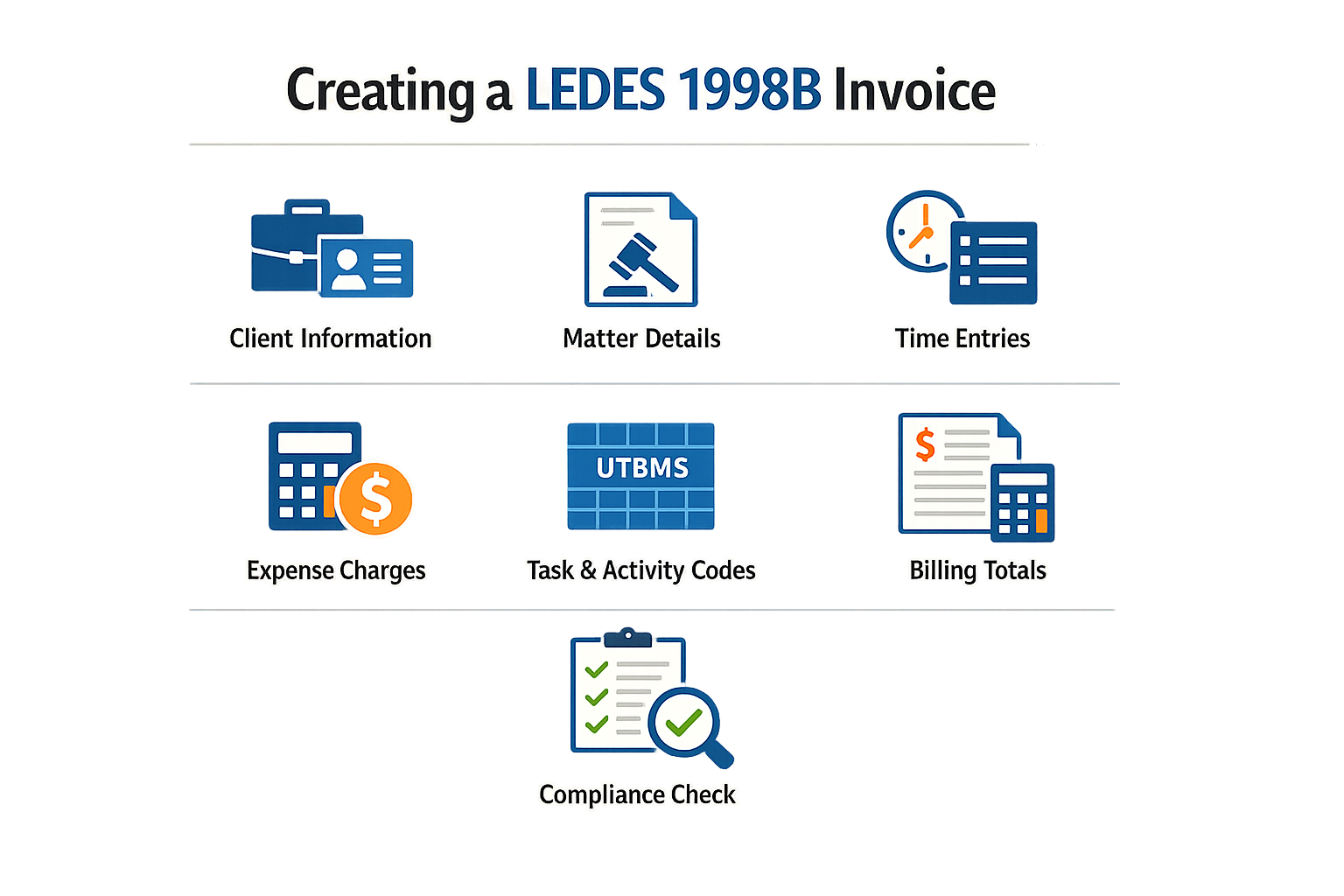
Creating a LEDES 1998B invoice requires attention to field structure, data types, and required values. The LEDES 1998B specification defines 24 fields, many of which are required and will trigger an error if left null. Following a systematic approach reduces the risk of validation failures and rejection at the portal.
Step 1
Populate invoice-level required fields
Start with the fields that identify the invoice itself. INVOICE_DATE (field 1) must be formatted YYYYMMDD with no null value. INVOICE_NUMBER (field 2) is the law firm assigned alphanumeric code, up to 20 characters, and must be unique. CLIENT_ID (field 3) and LAW_FIRM_MATTER_ID (field 4) are both required and must match the codes your firm uses internally. BILLING_START_DATE (field 6) and BILLING_END_DATE (field 7) define the billing period, both formatted YYYYMMDD. INVOICE_TOTAL (field 5) is the sum of all LINE_ITEM_TOTAL values in the invoice — the receiving system will verify this calculation within a reasonable variance, typically one percent.
Step 2
Build each line item with required fields
Every line item begins with LINE_ITEM_NUMBER (field 9), which must be unique within the invoice. EXP/FEE/INV_ADJ_TYPE (field 10) identifies whether the line is a fee ("F"), an expense ("E"), an invoice-level adjustment on fees ("IF"), or an invoice-level adjustment on expenses ("IE"). LINE_ITEM_NUMBER_OF_UNITS (field 11) is required except for invoice-level adjustments — for fee items, this is hours billed; for expense items, this is the count of items. LINE_ITEM_DATE (field 14) is required and must fall between BILLING_START_DATE and BILLING_END_DATE. A null value in any of these fields is an error.
Step 3
Calculate and verify LINE_ITEM_TOTAL
LINE_ITEM_TOTAL (field 13) must equal (LINE_ITEM_UNIT_COST × LINE_ITEM_NUMBER_OF_UNITS) + LINE_ITEM_ADJUSTMENT_AMOUNT. The receiving system will check this formula within a reasonable variance, typically 0.1 percent. If your calculation is outside that tolerance, the invoice will be flagged as an error and payment will be held until the law firm corrects it. Rounding differences between sending and receiving systems are common, so verify your totals before export.
Step 4
Include optional fields where applicable
INVOICE_DESCRIPTION (field 8) is optional but limited to 15KB of text. LINE_ITEM_ADJUSTMENT_AMOUNT (field 12) is optional; a positive value indicates a premium, a negative value indicates a discount, and a null or zero value indicates no adjustment. If your client or carrier guideline requires UTBMS codes, populate the task and activity code fields according to the LEDES 1998B file format specification. Missing optional fields will not trigger a validation error, but missing required codes under a guideline will. For detailed guidance on UTBMS activity codes, consult the official code tables.
Step 5
Export the file in pipe-delimited format
LEDES 1998B is a pipe-delimited text file. Each line item occupies one row, with fields separated by the pipe character (|). The file must not contain a header row unless your receiving system explicitly requires one. Save the file with a .txt extension. Some billing systems export LEDES files with embedded line breaks or extra characters — open the file in a plain text editor and verify that each row contains exactly 24 pipe-separated fields with no stray delimiters.
Tips and Tricks for Checking Your LEDES 1998B Invoice
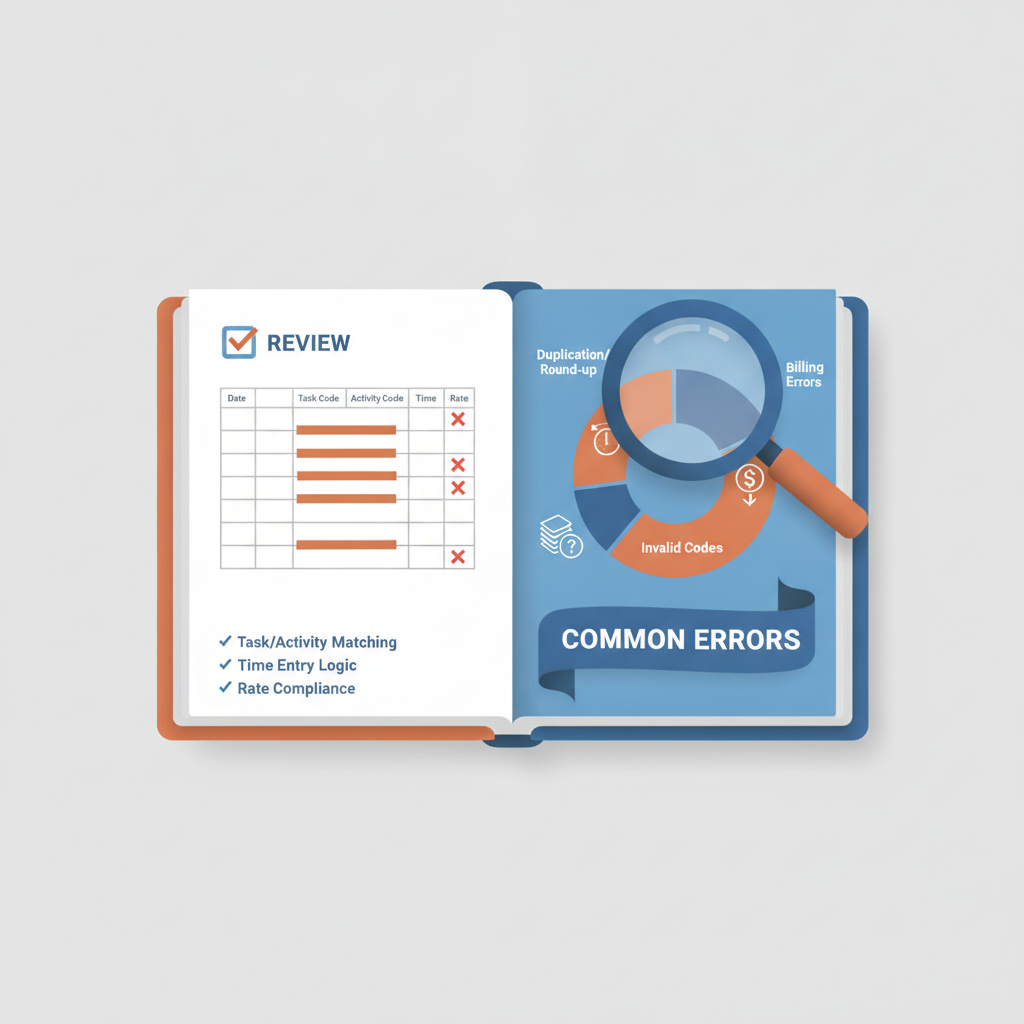
A LEDES 1998B invoice that passes the file parser can still be rejected if the data inside violates a carrier guideline or fails a business rule. The specification defines the structure; the receiving system applies the rules. The steps below focus on the data-quality checks that catch the majority of rejections before the file leaves your firm.
Verify Required Fields Are Never Null
The LEDES 1998B specification marks certain fields as required, which means a null value — represented by an empty string "" — is an error. Fields 1 (INVOICE_DATE), 2 (INVOICE_NUMBER), 3 (CLIENT_ID), 4 (LAW_FIRM_MATTER_ID), 5 (INVOICE_TOTAL), 6 (BILLING_START_DATE), 7 (BILLING_END_DATE), 9 (LINE_ITEM_NUMBER), 10 (EXP/FEE/INV_ADJ_TYPE), 13 (LINE_ITEM_TOTAL) and 14 (LINE_ITEM_DATE) must contain a value on every line. A single null in any of these fields triggers an error flag in most e-billing portals, and the invoice is rejected before a human reviewer sees it.
Before you upload, sort your export by each required field in turn and scan for blanks. If your billing software allows null exports for fields like CLIENT_ID or LAW_FIRM_MATTER_ID, configure a default placeholder value and document it with the client.
Confirm LINE_ITEM_DATE Falls Within the Billing Period
Field 14 (LINE_ITEM_DATE) must fall between the BILLING_START_DATE (field 6) and the BILLING_END_DATE (field 7). The specification states that LINE_ITEM_DATE is "typically" within that range, but many portals enforce it as a rule. A line item dated outside the billing period is flagged as a potential duplicate or a misdated entry, and the invoice is held for manual review or rejected outright.
Run a filter on your line items before export: LINE_ITEM_DATE < BILLING_START_DATE OR LINE_ITEM_DATE > BILLING_END_DATE. Any rows that return true need investigation. If the date is correct and falls outside the period because of a holdover or a correction, document it in the invoice description and confirm with the client that the portal will accept it.
Check Arithmetic on LINE_ITEM_TOTAL and INVOICE_TOTAL
Field 13 (LINE_ITEM_TOTAL) is defined as (LINE_ITEM_UNIT_COST × LINE_ITEM_NUMBER_OF_UNITS) + LINE_ITEM_ADJUSTMENT_AMOUNT. Field 5 (INVOICE_TOTAL) is the sum of all LINE_ITEM_TOTAL values for that invoice number. The specification acknowledges that rounding differences occur, and it recommends that the receiving system allow a variance — typically 0.1 percent for line items and 1 percent for invoice totals. If your calculated total is outside that tolerance, the portal treats it as an arithmetic error and rejects the file.
Before upload, export your line items to a spreadsheet and compute LINE_ITEM_TOTAL independently for each row. Compare your result to the value in field 13. If the difference exceeds one cent, investigate the source: it may be a rounding setting in your billing system or a manual adjustment that was not recorded in field 12 (LINE_ITEM_ADJUSTMENT_AMOUNT). Then sum all LINE_ITEM_TOTAL values and compare to INVOICE_TOTAL. A mismatch here is the most common cause of immediate rejection.
Ensure LINE_ITEM_NUMBER Is Unique per Invoice
Field 9 (LINE_ITEM_NUMBER) must be unique for each line item within an invoice. The specification allows the value to be non-consecutive, and most firms use the time-entry primary key from their financial system. If two line items share the same LINE_ITEM_NUMBER under the same INVOICE_NUMBER, the receiving system cannot distinguish them, and the invoice is rejected.
Sort your export by INVOICE_NUMBER and then by LINE_ITEM_NUMBER. Scan for duplicates. If you find any, determine whether they represent two entries that were incorrectly assigned the same key (a database error) or a single entry that was exported twice (an export-filter error). Correct the source data and re-export.
For additional guidance on how narrative detail and task codes interact with line-item review, see Block Billing: Reasons for Carrier Rejections and Solutions.
Validate EXP/FEE/INV_ADJ_TYPE Values
Field 10 (EXP/FEE/INV_ADJ_TYPE) accepts exactly four values: "F" for fee, "E" for expense, "IF" for an invoice-level adjustment on fees, and "IE" for an invoice-level adjustment on expenses. Any other value — including lowercase "f" or "e", a null, or a numeric code — is an error. Some billing systems default this field to a description like "Time" or "Disbursement" rather than the LEDES code, and the export fails validation.
Filter your line items by field 10 and confirm that every value is one of the four permitted codes. If your system uses a different internal code, map it to the LEDES value in your export template and test the mapping on a small sample invoice before you process a full month.
Frequently asked questions
What is a LEDES 1998B invoice?
A LEDES 1998B invoice is a pipe-delimited text file with 24 fields that transmits legal billing data electronically to carriers and corporate clients. The format specifies required fields, data types, and validation rules that receiving systems enforce on upload.
Why do LEDES 1998B invoices get rejected?
Rejections occur when required fields contain null values, when arithmetic does not match the specification's formulas, when dates fall outside the billing period, or when line-item type codes are invalid. A single error in any of these areas triggers immediate rejection.
How do I check a LEDES 1998B invoice before submission?
Verify that all required fields are populated, confirm that LINE_ITEM_DATE falls within the billing period, recalculate LINE_ITEM_TOTAL and INVOICE_TOTAL independently, ensure LINE_ITEM_NUMBER is unique per invoice, and validate that EXP/FEE/INV_ADJ_TYPE contains only the four permitted codes.
What happens if my LEDES 1998B invoice is rejected?
The invoice does not enter the bill-review queue, and the payment cycle does not start. You must correct the error, re-export the file, and re-upload it. Repeated rejections can delay payment by weeks or months and may flag your firm for heightened scrutiny.
Where can I find the full LEDES 1998B field specification?
The complete field specification, including all 24 fields, data types, and validation rules, is documented in LEDES 1998B File Format - All 24 Fields Explained.
Conclusion
A LEDES 1998B invoice is only as strong as the accuracy of its required fields and the rigor of the review that precedes submission. The specification defines twenty-four fields, fourteen of which are mandatory, and a null value in any required field triggers an immediate error. Every line item must carry a valid LINE_ITEM_DATE that falls between the BILLING_START_DATE and BILLING_END_DATE, and every LINE_ITEM_TOTAL must equal the formula (LINE_ITEM_UNIT_COST × LINE_ITEM_NUMBER_OF_UNITS) + LINE_ITEM_ADJUSTMENT_AMOUNT, within the tolerance the receiving system permits. When these elements align, the invoice passes validation; when they do not, the portal rejects the file and the billing cycle stalls.
The steps outlined in this article—validating required fields, verifying arithmetic, checking date ranges, and confirming UTBMS codes—form a minimum checklist, not an exhaustive audit. Carriers and their e-billing platforms enforce additional rules drawn from outside counsel guidelines, and those rules vary by panel and by version. A file that conforms to the LEDES 1998B specification can still fail guideline review if the narrative is block-billed, the increment is six minutes instead of six-hundredths of an hour, or the task code sits outside the approved set. The specification handles format; the guideline handles substance. Both must be satisfied before the invoice becomes payable.
Thorough review before upload reduces rejection rates, shortens the payment cycle, and preserves the relationship between outside counsel and the bill-review team. When an invoice arrives clean, the reviewer can focus on guideline compliance and reasonableness rather than format errors and missing data. That focus benefits both sides: the firm receives faster payment, and the carrier receives documentation it can rely on without repeated back-and-forth. The investment in accuracy—validating every required field, checking every formula, reading every narrative—pays dividends in fewer rejections, fewer appeals, and a billing process that works the way the specification intended.
For a detailed breakdown of all twenty-four fields and their validation rules, see LEDES 1998B File Format - All 24 Fields Explained.