


Billable Hours Chart: Minutes to Tenths of an Hour (Free Calculator
Top takeaways
- Billable hours must be reported in tenths of an hour to meet carrier and court billing requirements
- An attorney billing chart converts actual minutes worked into standardized decimal increments
- Accurate time conversion prevents invoice rejections and billing disputes
- Most e-billing portals and outside counsel guidelines require tenth-of-an-hour precision
Introduction to Billable Hours
An attorney billing chart is a reference tool that converts minutes worked into tenths of an hour, the standard billing increment required by most carriers and courts. One entry reading "4 minutes" instead of "0.1" is enough to trigger a validation error in most e-billing portals. Time for work spent performing a service must be reported in tenths of an hour, and compensation is calculated by multiplying the applicable rate per hour by the total number of hours. The attorney billing chart converts minutes to tenths of an hour, where 0.1 represents 1–6 minutes and 1.0 represents 55–60 minutes.
As part of the Carrier Ready Knowledge Team, we often delve into the intricacies of billing practices and guidelines. One area that consistently demands attention is the structure and use of attorney billing charts, particularly the conversion of minutes into tenths of an hour. This is crucial for legal professionals who need to ensure precise billing in accordance with carrier guidelines.
Using an attorney billing chart helps attorneys accurately convert billable minutes into tenths of an hour for precise billing. When an invoice reaches a bill reviewer, the first automated check is whether each line item's hours field contains a valid decimal. Entries like "15 min" or "quarter hour" fail that check before a human ever sees the narrative. The chart eliminates guesswork: 7 minutes is 0.2, 19 minutes is 0.4, and 55 minutes is 1.0. Rounding errors compound across hundreds of line items, and reviewers notice.
This article explains what an attorney billing chart is, why it matters to carriers and bill reviewers, and how to use it without introducing the rounding and narrative errors that trigger reductions. We provide the full conversion table, a step-by-step guide to applying it in practice, and answers to the questions that arise when timekeepers first encounter tenth-of-an-hour billing. For more on how time entries integrate with standardized task codes, see our guide to UTBMS Activity Codes A101-A111 for Legal Billing.
Explore our attorney billing chart to convert minutes to tenths of an hour. Access a free calculator and PDF for accurate billing.
What is an Attorney Billing Chart?
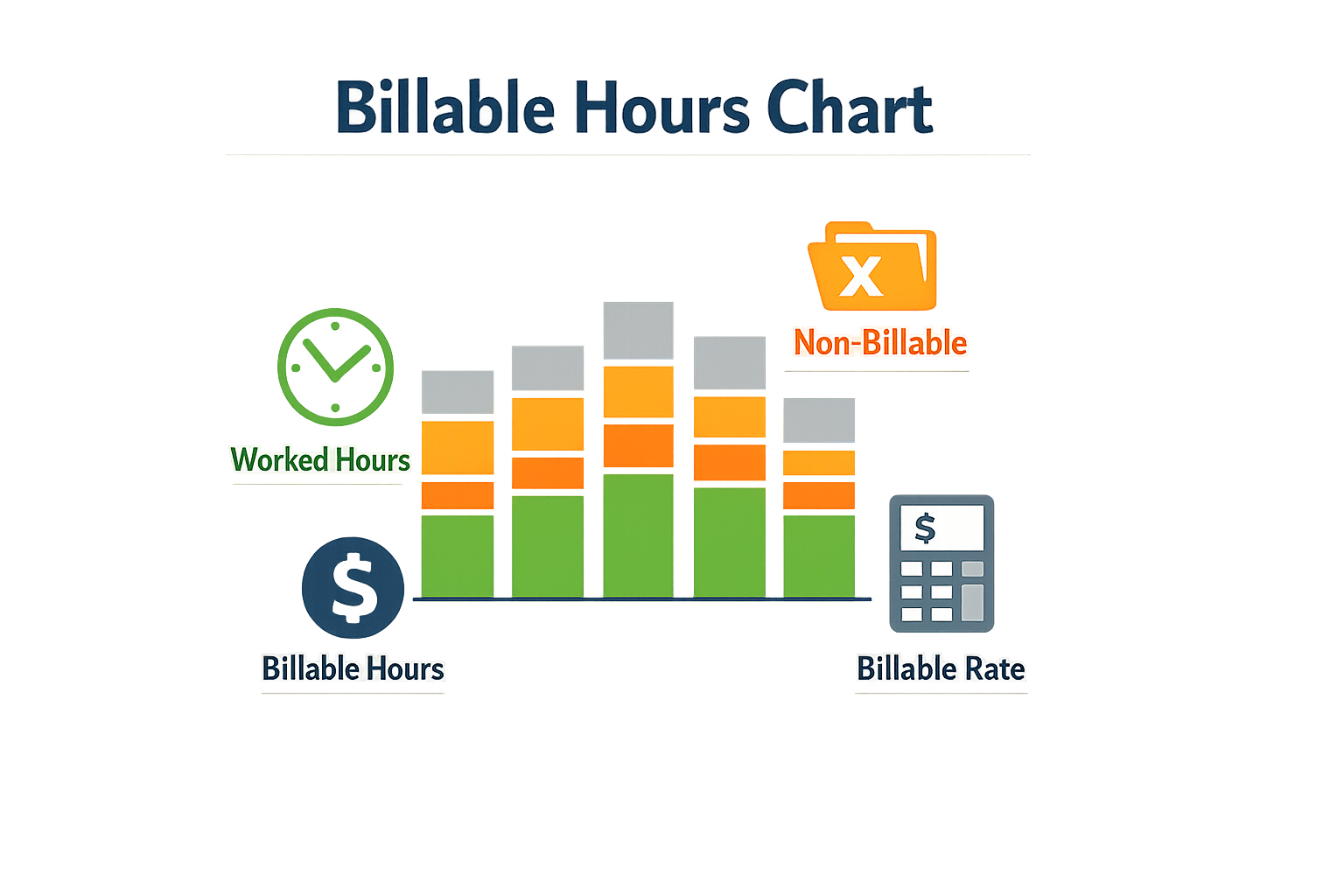
An attorney billing chart is a reference tool that converts clock minutes into tenths of an hour for billing purposes. Time for work spent performing a service should be reported in tenths of an hour, and the attorney billing chart provides the exact decimal equivalent for each minute range. For example, 1–6 minutes converts to 0.1, while 55–60 minutes converts to 1.0.
The chart divides each hour into ten equal segments, with each segment representing six minutes. This standardized conversion ensures that attorneys bill consistently and that reviewers can verify time entries against a uniform scale. The U.S. District Court for the Northern District of California publishes a billing increment chart that sets out the full conversion table: 1–6 minutes = 0.1, 7–12 minutes = 0.2, 13–18 minutes = 0.3, and so on through 55–60 minutes = 1.0.
Why Attorneys Use Tenths of an Hour
Tenths of an hour are the billing increment required by most carrier outside counsel guidelines and court-appointed counsel policies. Florida's Justice Administrative Commission, for instance, specifies that attorneys must submit itemized billing in tenths of an hour increments and will round down any submitted hourly billing that is not billed in tenths. This requirement aligns with the field definitions in the LEDES 1998B file format, where the HOURS_BILLED field expects a decimal value.
Using an attorney billing chart eliminates guesswork. An attorney who spends 8 minutes on a task looks up the range 7–12 minutes and enters 0.2 in the time entry. An attorney who spends 37 minutes looks up 37–42 minutes and enters 0.7. The chart provides a single, unambiguous answer for every possible duration.
How the Chart Supports Compliance
Carrier guidelines and e-billing portals expect decimal time entries, not minutes. A line item that reads "15 minutes" instead of "0.3" will trigger a validation error or manual correction. The attorney billing chart ensures that every entry submitted through an e-billing portal matches the format the portal accepts. This is especially important when block billing is already under scrutiny — a formatting error on top of a narrative deficiency compounds the risk of rejection.
Compensation is calculated by multiplying the applicable rate per hour by the total number of hours, so precision in the hours field directly affects the invoice total. A chart-based conversion removes the risk of rounding errors and ensures that the decimal value reflects the actual time worked.
Why Billable Hours Matter
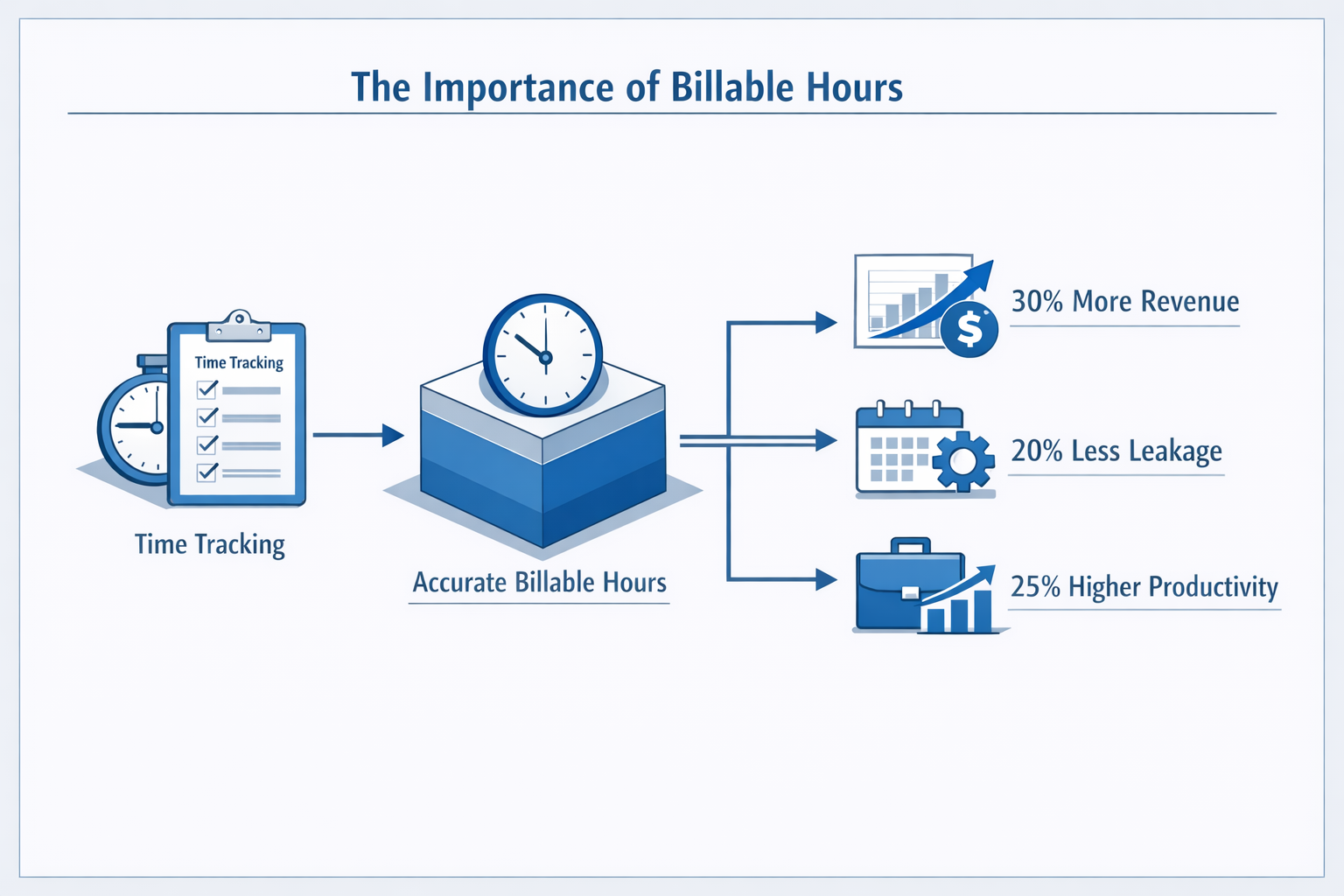
Accurate tracking of billable hours determines whether a law firm's revenue reflects the work performed and whether a client invoice survives scrutiny. For panel counsel submitting invoices to carriers or court-appointed attorneys billing under the Criminal Justice Act, the line item is the unit of accountability. A tenth of an hour recorded incorrectly, or a task billed beyond what was reasonably necessary, triggers reductions that compound across hundreds of entries.
Carriers and courts apply a consistent standard: you may bill only for the lesser of the actual time spent or the time that is reasonably and efficiently spent on a task. This principle appears in the Central District of California's CJA Trial Attorney Panel Manual and is enforced in bill review across insurance defense and appointed-counsel matters. If a research task took three hours but a reasonably efficient attorney would have completed it in ninety minutes, the billable ceiling is ninety minutes, regardless of actual effort.
Revenue Integrity and Guideline Compliance
Billable hours are the foundation of law firm revenue in hourly-fee arrangements. When time entries are imprecise—rounded to the nearest quarter hour instead of tenth, or recorded days after the work—the invoice becomes vulnerable to reduction. E-billing portals validate LEDES files against carrier outside counsel guidelines, and a file that reports time in six-minute increments when the guideline requires tenth-of-an-hour precision will be rejected before a human reviewer sees it. Understanding block billing reasons for carrier rejections and solutions helps firms avoid the most common structural errors that prevent submission.
Legal spend segmented by phase—pre-suit, discovery, alternative dispute resolution, trial—reveals how billable hours distribute across a matter's lifecycle. Carriers and corporate clients use this breakdown to identify inefficiencies, compare staffing ratios, and set budgets for future cases. A firm that cannot produce a clean phase-level report signals weak time-capture discipline, which undermines rate negotiations and panel retention.
Attorney Role and Task Alignment
Billable hours matter because they expose whether the right timekeeper performed the task. Carrier guidelines and court rules require that paralegals, law clerks, and investigators handle work that does not require attorney expertise. If an attorney bills partner rates for a task a paralegal could perform, the guideline permits the reviewer to reduce the entry to the paralegal's rate or disallow it entirely. This is not a discretionary courtesy—it is a binding requirement in most panel arrangements.
Breaking down billing by attorney role shows whether a matter was staffed efficiently. A case with ninety percent of billable hours attributed to partners and associates, and ten percent to paralegals, raises immediate questions about delegation and cost control. The inverse—heavy paralegal time on complex motions—suggests under-supervision. Both patterns trigger reductions and, over time, removal from the panel.
Evaluate the time spent, and determine whether the services were performed at peak efficiency and whether a private client would pay for the number of hours submitted for the task.
How to Use the Attorney Billing Chart
The attorney billing chart is a reference tool that converts minutes worked into tenths of an hour, the standard billing increment required by most carriers and e-billing portals. Using the chart correctly ensures that time entries align with carrier outside counsel guidelines and avoid rounding errors that can trigger invoice rejections.
Step 1: Record the Actual Minutes Spent on Each Task
Step 1
Track time as it happens
Record the start and stop time for each discrete task. Calculate the total minutes spent before consulting the chart. For example, a task that runs from 9:14 a.m. to 9:32 a.m. consumed 18 minutes.
Attorneys are required to bill the actual amount of time spent on each task, rounded to the nearest tenth of an hour. The attorney billing chart does not authorize you to inflate time; it translates real minutes into the correct decimal.
Step 2: Locate the Minute Range on the Chart
The standard attorney billing chart divides each hour into ten increments. Each tenth corresponds to a six-minute range:
- 0.1 = 1–6 minutes
- 0.2 = 7–12 minutes
- 0.3 = 13–18 minutes
- 0.4 = 19–24 minutes
- 0.5 = 25–30 minutes
- 0.6 = 31–36 minutes
- 0.7 = 37–42 minutes
- 0.8 = 43–48 minutes
- 0.9 = 49–54 minutes
- 1.0 = 55–60 minutes
If a task took 18 minutes, the attorney billing chart shows 0.3 hours. If it took 32 minutes, the chart shows 0.6 hours. When billing hourly, the attorney shall submit an itemized billing in tenths of an hour increments as demonstrated in the chart. Some carriers will round down for any submitted hourly billing that is not billed in tenths, so precision at this step prevents automatic reductions.
Step 3: Enter the Decimal Value in the Time Entry
Step 3
Populate the hours field
In your time-keeping system or LEDES 1998B file, enter the decimal value from the attorney billing chart in the hours field. For a task that consumed 18 minutes, enter 0.3. Do not enter 18 or 0.30 — the format is a single decimal place.
Time spent must be billed to the nearest tenth of an hour. If your software rounds automatically, verify that it uses the same six-minute bands shown in the attorney billing chart. Discrepancies between your rounding logic and the carrier's chart will produce mismatches during invoice validation.
Step 4: Verify That Daily Totals Do Not Exceed Hours Worked
Attorneys are limited to billing the actual time worked in a day, rather than numerous entries for each task performed over the course of a day. Sum all line items for a given date and confirm that the total does not exceed the hours available. If you billed 0.3 + 0.5 + 0.8 + 1.2 across four tasks, the daily total is 2.8 hours — verify that you were working on the matter for at least that span.
Sufficient detail is still required to support each entry, but the aggregate must reconcile to a plausible workday. Bill review software flags totals that exceed standard business hours or conflict with calendar entries for other matters.
Step 5: Exclude Non-Billable Administrative Time
The attorney billing chart applies only to compensable legal work. You may not bill for keeping your contemporaneous time records or preparing and submitting invoices. If you spent 12 minutes entering time into your practice-management system, that task does not appear on the invoice, and you do not convert those 12 minutes to 0.2 hours.
Similarly, time spent formatting a LEDES file, uploading it to an e-billing portal, or responding to a validation error is administrative overhead. The attorney billing chart converts billable minutes; it does not create billable categories where none exist.
Common Mistakes in Billing Billable Hours
Most billing errors stem from misunderstanding the increment structure or failing to apply it consistently across all time entries. Florida's Justice Administrative Commission states that billing must be submitted in tenths of an hour, and that non-compliant entries will be rounded down. That downward rounding is not negotiable—it applies to every entry that does not align with the attorney billing chart. A seven-minute task billed as 0.1 survives review; the same task billed as 0.15 does not.
Another frequent error is billing more time than was actually spent in a single day. The Central District of California's CJA Trial Attorney Panel Manual makes clear that you cannot bill for more time than you spent in a single day, and that you may only bill for the lesser of the actual time spent or the time that is reasonably and efficiently spent on a task. Aggregating multiple short tasks into a single inflated entry, or billing every micro-task separately without regard to the daily ceiling, both trigger reductions.
Billing Non-Existent Increments
The attorney billing chart runs from 0.1 to 1.0 in fixed six-minute bands. There is no 0.15, no 0.25, no 0.35. When a timekeeper enters a value that does not appear on the chart, the e-billing portal or the bill reviewer applies the rounding rule specified in the controlling guideline. Florida JAC rounds down. Other jurisdictions may reject the line item outright. Either outcome means lost revenue and a resubmission cycle.
Confusing Actual Time with Billable Time
Spending 22 minutes on a task does not entitle the timekeeper to bill 0.4. The attorney billing chart allocates 19–24 minutes to the 0.4 increment, so 22 minutes converts to 0.4. But if the task could have been completed in 15 minutes by a reasonably efficient attorney, the billable time is 0.3, not 0.4. The CJA manual's standard—"the lesser of the actual time spent or the time that is reasonably and efficiently spent"—applies to all panel counsel billing, and many carrier guidelines incorporate a similar reasonableness test.
When a reviewer sees 0.4 for a routine status call, the question is not whether the attorney spent 22 minutes on the phone. The question is whether a private client would pay for 22 minutes, or whether the task should have taken 10. If the latter, the reduction code will cite inefficiency, and the appeal will require contemporaneous records showing why the extra time was necessary.
Block Billing Multiple Tasks into One Entry
Combining several discrete activities into a single narrative—"research motion in limine, draft opposition, confer with client, 2.5"—obscures the time spent on each task and prevents the reviewer from applying the reasonableness test to any one component. Florida JAC requires sufficient detail to support each entry, even when the guideline permits consolidating a full day's work into in-court and out-of-court categories. The detail requirement does not vanish when the format changes.
For a deeper examination of how carriers define and reject block billing, see Block Billing: Reasons for Carrier Rejections and Solutions. The rejection codes and appeal paths described there apply equally to increment errors—both are narrative deficiencies, and both follow the same correction workflow.
Rounding Up Instead of to the Nearest Tenth
Some timekeepers round every partial increment upward, treating any work under six minutes as 0.1 and any work between seven and twelve minutes as 0.2. That practice aligns with the attorney billing chart. The error occurs when the timekeeper rounds 13 minutes to 0.4 instead of 0.3, or rounds 25 minutes to 0.6 instead of 0.5. The chart specifies ranges, not a general "round up" rule. A billing system that applies blanket upward rounding will produce entries that fail validation and trigger line-item rejections.
Billing for Timekeeping Itself
The CJA manual states explicitly that you may not bill for keeping your contemporaneous records. Recording the time spent on a task is an administrative overhead, not a billable service. When a line item reads "update time entries, 0.3," the reduction is automatic. The same rule applies to billing for invoice preparation, file organization purely for billing purposes, and other internal accounting tasks that do not advance the client's matter.
Best Practices for Tracking Billable Hours

Accurate time tracking is not optional when billing in tenths of an hour. The Central District of California's CJA Trial Attorney Panel Manual states that time spent must be billed to the nearest tenth of an hour, and that you may bill only for the amount of time reasonably spent on a particular matter. These requirements apply broadly across carrier and court billing contexts, and they demand disciplined record-keeping from the moment work begins.
Record Time Contemporaneously
Keep contemporaneous records. The moment you finish a task, log it. Reconstructing time entries hours or days later introduces error and invites skepticism from reviewers. The Northern District of California's billing guidance notes that time for work spent performing a service should be reported in tenths of an hour, and compensation is calculated by multiplying the applicable rate per hour by the total number of hours. If your records are not contemporaneous, the multiplication is guesswork.
Use the Conversion Chart Every Time
Do not round manually. Use the standard attorney billing chart: 1-6 minutes equals 0.1 hour, 7-12 minutes equals 0.2 hour, and so on through 55-60 minutes equaling 1.0 hour. This chart appears in the Northern District of California's billing increment guidance and in Florida's Justice Administrative Commission materials. It is not negotiable. If you worked 8 minutes, you bill 0.2 hour. If you worked 6 minutes, you bill 0.1 hour. Rounding up or down outside the chart structure will trigger reductions.
Bill Only Reasonable Time
The Central District's manual instructs attorneys to evaluate the time spent and determine whether the services were performed at peak efficiency and whether a private client would pay for the number of hours submitted for the task. This is the reasonableness standard. If you spent three hours on a task that should have taken one, bill one. If you delegated a task to a paralegal but performed it yourself, bill at the paralegal rate for that time. The manual is explicit: you must use paralegals, law clerks, investigators, and others for tasks for which an attorney's expertise is not required.
You may bill only for the lesser of the actual time spent or the time that is reasonably and efficiently spent on a task.
Separate Time by Task Category
The Northern District's guidance requires that you calculate totals for each service category separately and enter the category and grand totals on the appropriate lines on the voucher form. This is not an accounting convenience; it is a billing requirement. When you submit an invoice through an e-billing portal, the LEDES file or voucher form must show distinct totals for research, drafting, client communication, and other categories. Lumping everything into a single block obscures the work and invites rejection.
Respect the Daily Limit
You cannot bill for more time than you spent in a single day. The Central District's manual states this plainly. If you worked 10 hours on a matter, you bill 10 hours or less. You do not bill 12 hours because the work felt hard or because you think the case justifies it. The daily limit is absolute.
Audit Your Entries Before Submission
Before you submit an invoice, audit every line item. Check that each time entry corresponds to a real task, that the tenth-of-an-hour conversion from the attorney billing chart is correct, that the narrative is specific, and that the total does not exceed the hours available in the day. Reviewers will check these things. If you catch the error first, you avoid the reduction.
Frequently Asked Questions about Billable Hours
What is the standard billing increment for legal work?
Most carriers and courts require time to be billed to the nearest tenth of an hour. The Central District of California's CJA Trial Attorney Panel Manual states explicitly that time spent must be billed to the nearest tenth of an hour. This means every task is rounded to increments of six minutes — 0.1 hours equals six minutes, 0.2 equals twelve minutes, and so on. Billing in quarter-hour or half-hour increments is not permitted under most panel and carrier guidelines.
Can I bill for more time than I actually spent on a task?
No. You may bill only for the lesser of the actual time spent or the time that is reasonably and efficiently spent on a task. The Central District's manual reinforces this principle: you cannot bill for more time than you spent in a single day, and you must evaluate whether the services were performed at peak efficiency and whether a private client would pay for the number of hours submitted for the task. If a research assignment took you four hours but could have been completed in two with proper efficiency, the billable time is two hours.
How do I handle tasks that take less than six minutes?
Tasks under six minutes round to 0.1 hours when billed to the nearest tenth. If a task genuinely requires only two or three minutes — reviewing a single email confirmation, for example — it still appears as 0.1 on the invoice. Carriers expect contemporaneous records to support even small entries, so maintain a log that shows the actual start and end time. Do not aggregate multiple sub-six-minute tasks into a single line item; that practice resembles block billing, which most guidelines prohibit.
What if my firm uses a different billing increment internally?
Your firm's internal timekeeping system is separate from the format required for submission to a carrier or court. If your firm tracks time in quarter-hour increments (0.25, 0.50, 0.75), you must convert those entries to tenth-of-an-hour increments before generating a LEDES file or submitting an invoice to a panel. Many e-billing portals validate the increment field and reject files that contain non-compliant values. The conversion is straightforward: fifteen minutes equals 0.3 hours (rounded from 0.25), thirty minutes equals 0.5, and forty-five minutes equals 0.8 (rounded from 0.75).
How do carriers review billable hours during invoice processing?
Carriers and bill reviewers evaluate whether the time claimed is reasonable for the task described. They compare the narrative detail, the UTBMS task and activity codes, and the total hours against benchmarks for similar work. A 2026 litigation management study notes that legal spend is often broken down by phase — pre-suit, discovery, ADR, trial — and by attorney role, which allows reviewers to identify outliers. An entry reading "legal research, 8.5 hours" with no further detail will trigger a reduction or a request for clarification. The reviewer asks: what was researched, what sources were consulted, and would a private client pay for 8.5 hours on this issue?
You may bill only for the amount of time reasonably spent on a particular matter, even if you actually spent more time.
Can I bill for time spent keeping my time records?
No. The Central District's manual states that you may not bill for keeping your contemporaneous time records. Time spent filling out timesheets, converting entries to tenth-of-an-hour format, or preparing the invoice itself is overhead, not compensable legal work. The same rule applies to administrative tasks like docketing deadlines or organizing your case file — those activities support the representation but are not separately billable unless the guideline explicitly permits them.
What happens if I submit an invoice with incorrect increments?
The e-billing portal will reject the file during validation, or the bill reviewer will flag the entries and request a corrected submission. Either outcome delays payment. If the error is systemic — every line item rounds to 0.25 instead of the nearest tenth — the entire invoice may be returned without review. Correcting the increment after submission requires generating a new LEDES file, re-submitting through the portal, and waiting for a second review cycle. The safer practice is to validate your increment logic before the first submission.
Conclusion
Accurate billing in tenths of an hour is not optional when carriers and courts require it. The attorney billing chart converts minutes to tenths by rounding each six-minute block: 1–6 minutes rounds to 0.1, 7–12 to 0.2, and so on through 55–60 minutes at 1.0. This structure appears in federal court billing instructions and state appellate counsel programs, and it governs how timekeepers record work and how bill reviewers validate line items.
As part of the Carrier Ready Knowledge Team, we've observed that several e-billing portals accept files that omit fields marked as required by the LEDES specification, yet those same portals reject invoices when time entries do not align with tenth-of-an-hour increments. The formal rule and the enforcement mechanism do not always match, but the increment standard itself is consistent. When comparing guidelines from different carriers, interpretations of narrative detail and block billing vary, but the tenth-of-an-hour convention does not. Every panel counsel agreement and outside counsel guideline we review assumes this increment, and every reduction code tied to "improper time entry" traces back to a failure to apply it correctly.
Using an attorney billing chart ensures that timekeepers record time in the format the e-billing portal expects, the format the LEDES file encodes, and the format the bill reviewer reads. Compensation is calculated by multiplying the applicable rate per hour by the total number of hours, and those hours must be reported in tenths. Calculate totals for each service category separately, and enter the category and grand totals on the appropriate lines on the voucher form or in the portal's summary fields. The attorney billing chart is a reference, not a rounding discretion — the six-minute bands are fixed, and the decimal output is not negotiable.
When time is recorded correctly from the start, the rest of the billing workflow — UTBMS coding, narrative construction, portal submission — proceeds without the friction that comes from reformatting entries after the fact. The attorney billing chart is the foundation of that correctness.